Use case
AI invoice processing reads invoices from PDFs, scans and email attachments and turns them into structured data. With super.AI, you describe the invoice fields you need in plain language, super.AI builds the flow, and uncertain values go to your team for review.
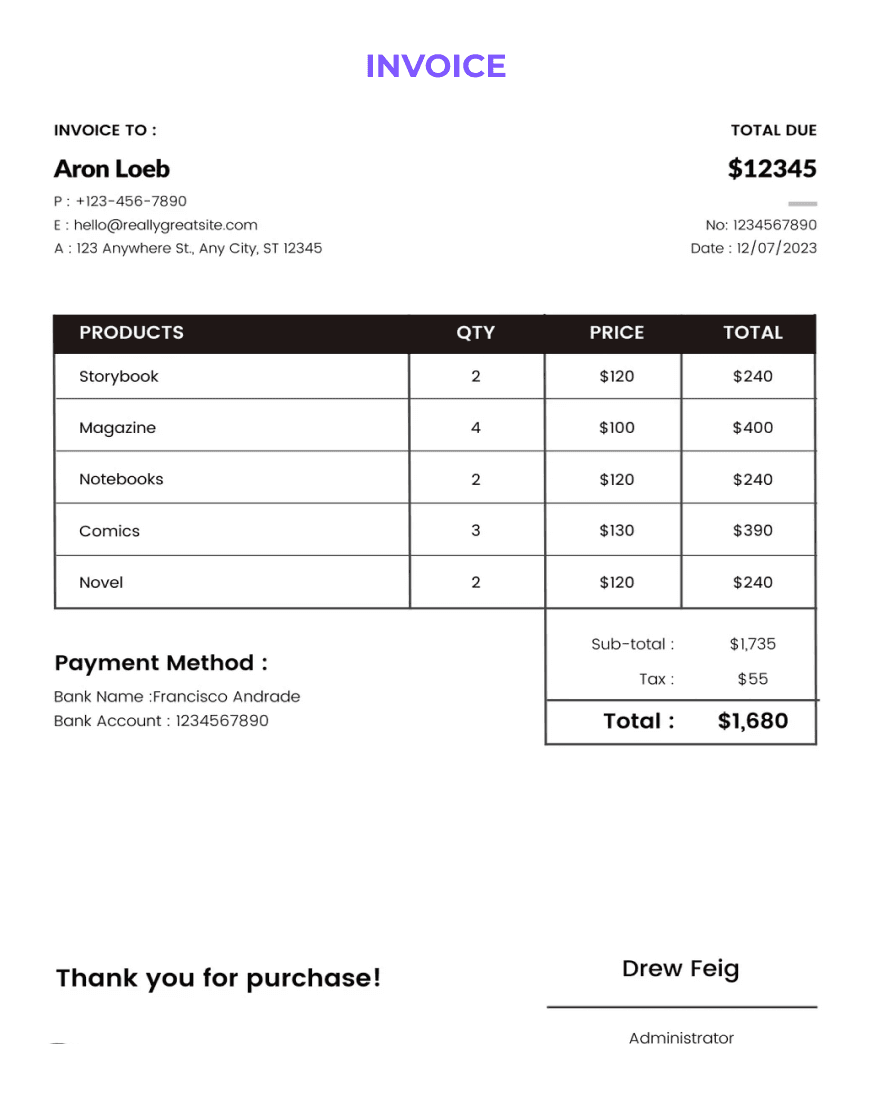
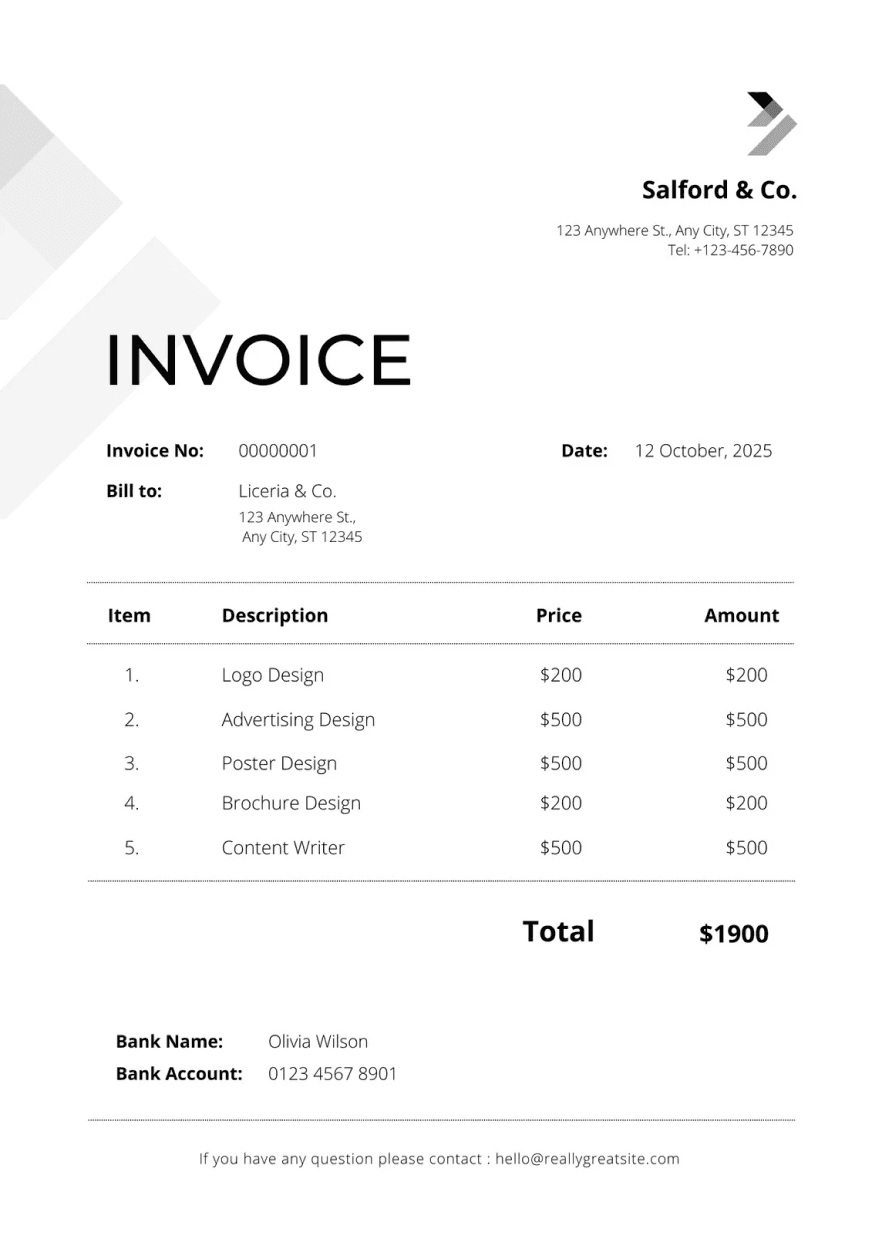
Simplify financial transactions by automatically extracting invoice numbers, amounts, dates, vendor details, and item descriptions, facilitating faster payment processing and reconciliation.
Fields that can be extracted:
Benefits
Reduce the time from invoice receipt to payment by automating data entry.
Minimize the risk of manual errors in invoice processing with AI-powered data extraction and a review step for low-confidence values.
Speed up invoice processing to help your team pay suppliers on time and bill customers faster, strengthening relationships and trust.
Streamline accounting workflows by reducing the need for manual data entry, allowing your team to focus on higher-value tasks.
AI invoice processing
AI invoice processing captures invoices, extracts their data and checks it before it reaches accounts payable or finance. It replaces manual keying of invoice numbers, vendor details, dates, amounts and line items.
Invoice OCR is the first layer: it turns the image of an invoice into text. AI invoice processing goes further by identifying which text is the invoice number, which is the vendor and which lines are goods or services, across different supplier layouts. super.AI combines both in one flow.
Instead of keying every invoice, your team reviews the values super.AI is not confident about and confirms or corrects them. Values super.AI is confident about go straight to your export. Because corrections carry into the next run, the flow keeps learning from your team's fixes. super.AI's invoice use case is built for accounts payable teams in finance, retail, logistics and manufacturing.
How it works
Free to start, no credit card and no sales call required. Start for free, or book a demo if you want super.AI's experts to help you build it.
Buyer checklist
When you compare invoice recognition software, test each option on a sample of your own invoices, including the hard ones.
Related
FAQ
Invoice OCR (optical character recognition) converts a scanned or photographed invoice into machine-readable text. super.AI pairs OCR with AI that identifies each field, so you get labeled invoice data rather than a block of text.
Common fields include invoice number, vendor name and address, date of issue, description and quantity of goods, tax ID, payment terms and bank name. You can describe other fields in plain language.
Yes. super.AI works with PDFs, images and email attachments.
Low-confidence values go to a human review view, where your team confirms or corrects them. Corrections carry into the next run.
Your flow exports invoice data to CSV, JSON or Google Sheets. To discuss connecting a flow to another system, book a demo.
super.AI is free to start, no credit card and no sales call required. Start for free.
Get started
Free to start, no credit card and no sales call required.

The main AP automation benefits, with sourced benchmarks for cost per invoice, cycle time and exceptions, plus how AP automation works and best practices for a rollout.

A buyer's guide to invoice scanning software: seven invoice OCR tools in alphabetical order, who each one fits, and how they compare on trials, pricing, and deployment.

Invoice and PDF data extraction often reads the text right and still gets the data wrong. Here are the failure modes to watch for and how to test a tool on your own files.