
Intelligent Document Processing (IDP) Platform
super.AI is AI document processing software for operations teams: an intelligent document processing platform that classifies documents and extracts the fields you need. Configure human-in-the-loop (HITL) review steps for your own team, using built-in review views included on every plan.
Trusted By Enterprises In Logistics, Shipping, Financial Services, And Technology Worldwide


Why teams choose super.AI for AI document processing
Generative AI for Documents
Solve document automation challenges using the latest Large Language Models (LLMs). Customize AI models and applications using your data faster than ever before.
The right model for each task
super.AI IDP breaks down complex processing tasks into simpler ones. Each task is routed to the AI model or software best suited to it. You can add review steps where your team needs to check the results.
Automatic Automation
AI and software results are combined into a unified output. When your reviewers correct a result, the workflow continues with that correction.
- Target achieved: 96% automation rate
- Triputra achieved: 98% automation rate
Quality, cost and speed targets you set
Users define desired quality, cost, and speed, then the platform selects the right combination of AI models and software. Your team can review results at configured review steps. Enterprise plans include contractual commitments.
- Bureau Veritas achieved: 75% reduction in processing time · 80% cost savings on data entry · reduced error rate
Human review by your own team
Every plan includes built-in review views where your own reviewers can confirm or correct results at a configured review step. Managed review is not part of any plan. Any work by the super.AI Data Processing Crowd requires a separate signed agreement.

Customer story
Powering the journey to zero-touch customer onboarding for Nexi Group
Payment technology leader Nexi Group faced challenges with slow, paper-based KYC and AML processes during merchant onboarding. By partnering with super.AI, Nexi significantly cut down manual review times during merchant onboarding, moving closer to their goal of a zero-touch, digital-first onboarding process and advancing their vision for a cashless Europe.
Learn more
How AI document processing works in super.AI
Bring document intake, classification, extraction, review, and delivery into a connected process. The steps below show how AI and people handle the work from the incoming file to the output your team needs.
Ingest documents and email attachments
Start with a document from the work your team already handles, such as a PDF, a scan, an image, or an email attachment. Use email attachment scanning to forward invoices, purchase orders, contracts, and other incoming documents into the extraction and review workflow. Different supported attachment types can follow the same workflow instead of requiring a separate tool for each format.
Classify and separate documents
Document classification organizes incoming files by type so a mixed batch can move into the appropriate extraction and review steps. When a PDF contains multiple invoices, document splitting can separate them into individual files. That keeps document sorting connected to the work that follows, rather than leaving reviewers to organize every file first.
Extract the fields and tables you need
Extract the fields your process needs, including the rows and columns inside tables in invoices, packing lists, and financial reports. Table recognition handles nested headers, merged cells, and layouts spread across multiple pages without templates for each layout. LLM intelligence adds contextual reasoning to OCR and document extraction for information that needs to be understood in context.
Review low-confidence results
You can configure a review step for low-confidence results. Your reviewers can confirm or correct values in the review view, and the workflow continues with their corrections. Managed review is not part of any plan. Any work by the super.AI Data Processing Crowd requires a separate signed agreement.
Validate and deliver the output
Validate extracted values against the checks your process requires before delivering the output to its next destination. Send structured data to CSV, JSON, or Google Sheets, or use integrations and the API to pass data to business systems. If the workflow includes sensitive information, document redaction can remove relevant information from a page, a document, or a collection before it is shared.
With Flows, describe the document work in plain language, see each step the platform builds, and connect capture, extraction, review, and delivery in one workflow.
Keep your data secure and compliant
super.AI offers enterprise-grade security.


- Support SOC 2 and GDPR compliance
- Granular role and user management
- Detailed audit trails and logs for each document
- Learn More
Intelligent document processing solutions by use case
Explore how classification, extraction, and review fit the documents your team handles, from onboarding and loan applications to purchase orders, invoices, insurance claims, and shipping paperwork.
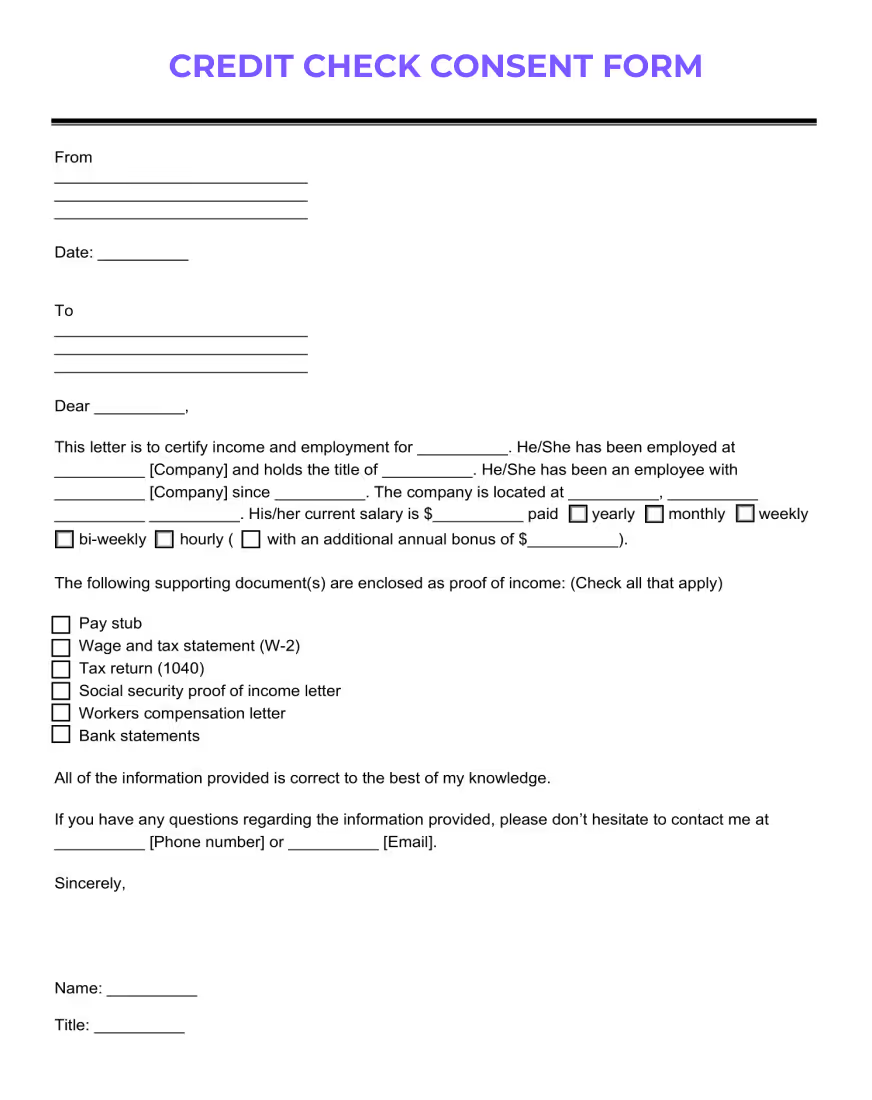
Customer Onboarding / KYC
Streamline your KYC processes with automated data extraction for faster, compliant customer onboarding.
Learn more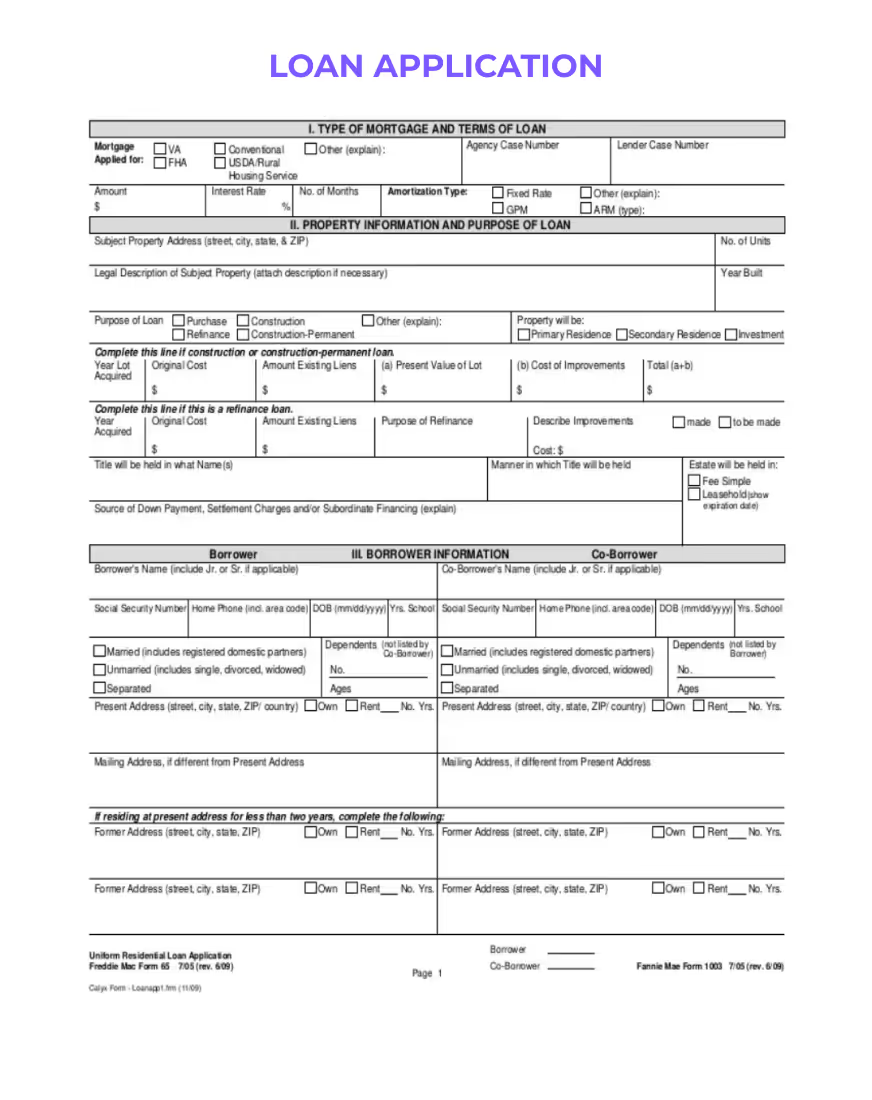
Loan Application Forms
Transform your loan processing with precise, automated data extraction, enhancing efficiency and decision-making in financial services.
Learn more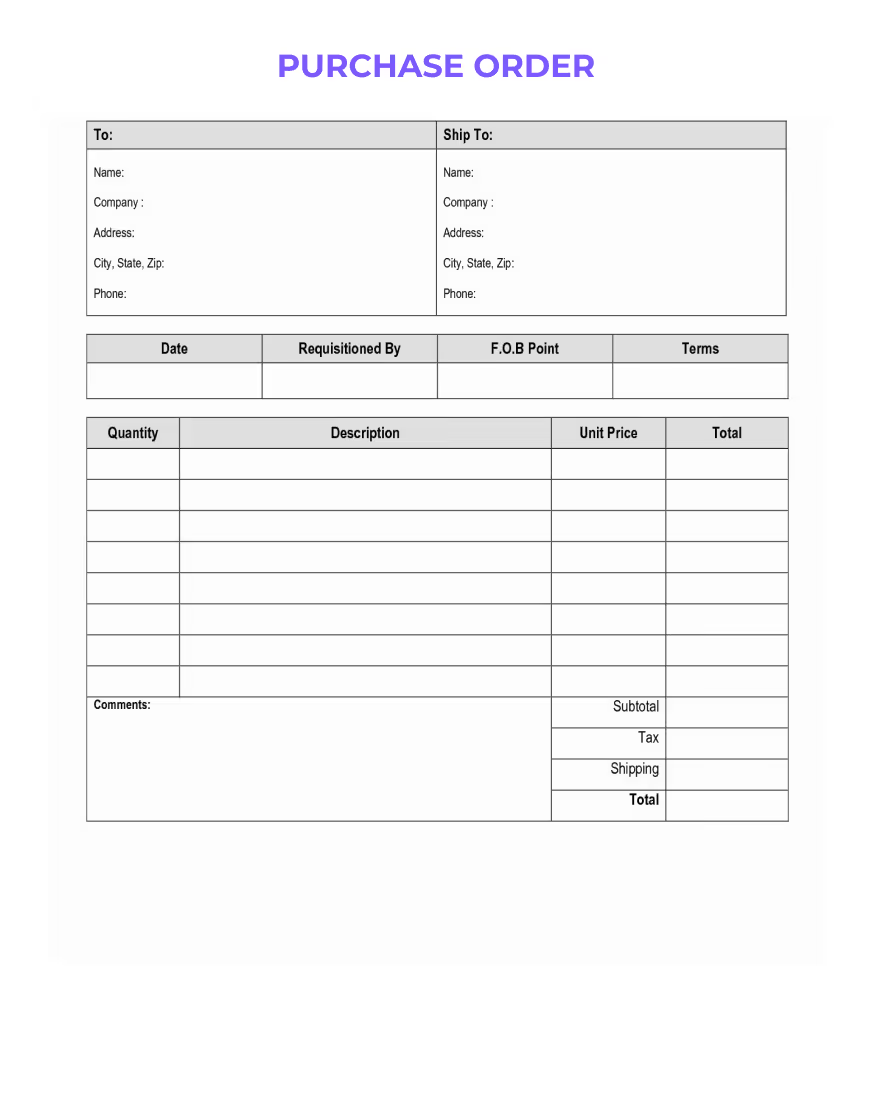
Purchase Orders
Streamline your procurement process with automated data extraction from purchase orders using super.AI IDP.
Learn more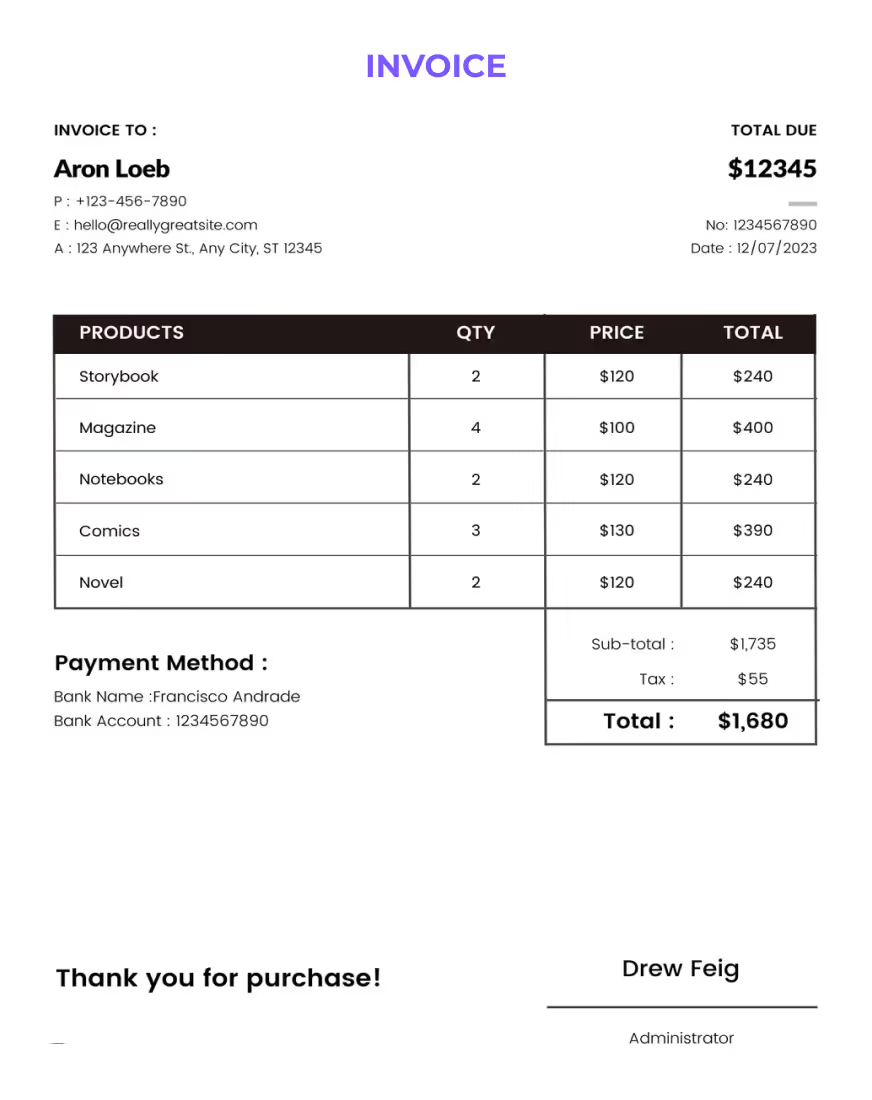
Invoices
Streamline your accounts receivable and payable processes with our Intelligent Document Processing (IDP) solution for invoice data extraction.
Learn more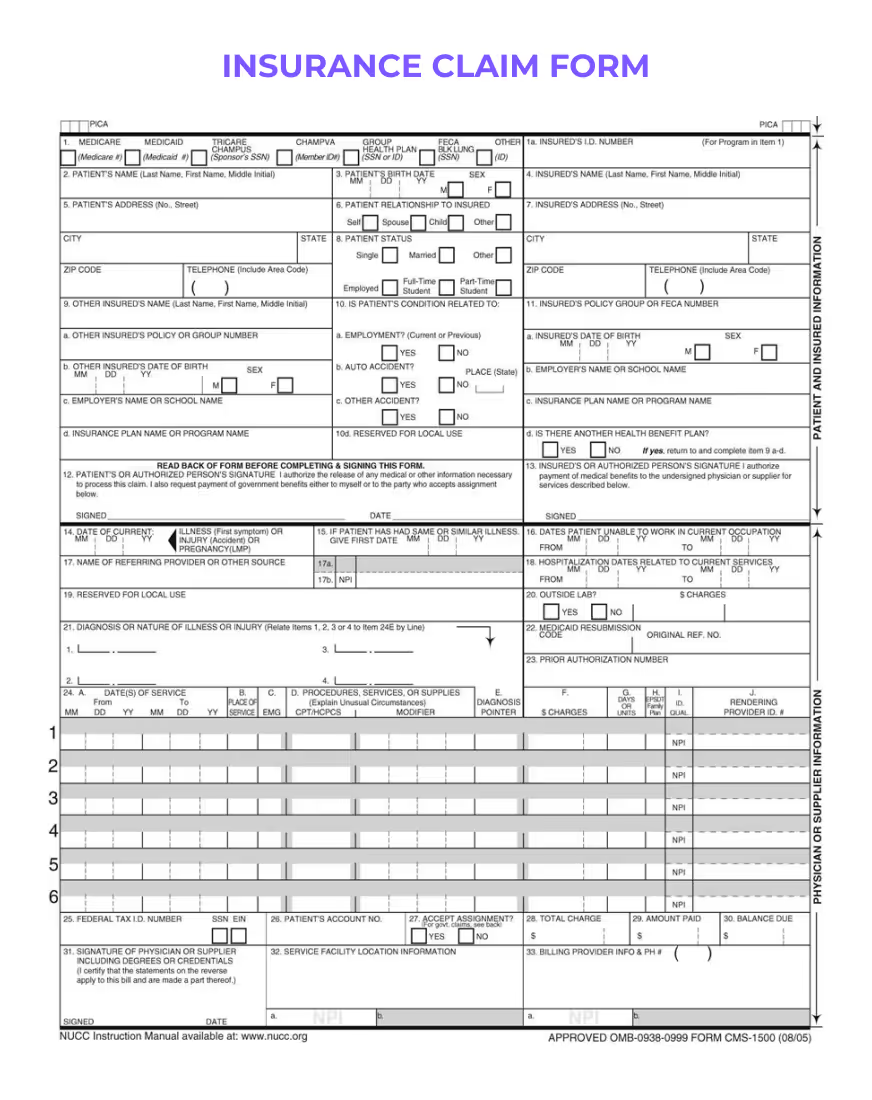
Insurance Claim Forms
Streamline the processing of insurance claim forms with automated data extraction, enhancing efficiency and accuracy.
Learn more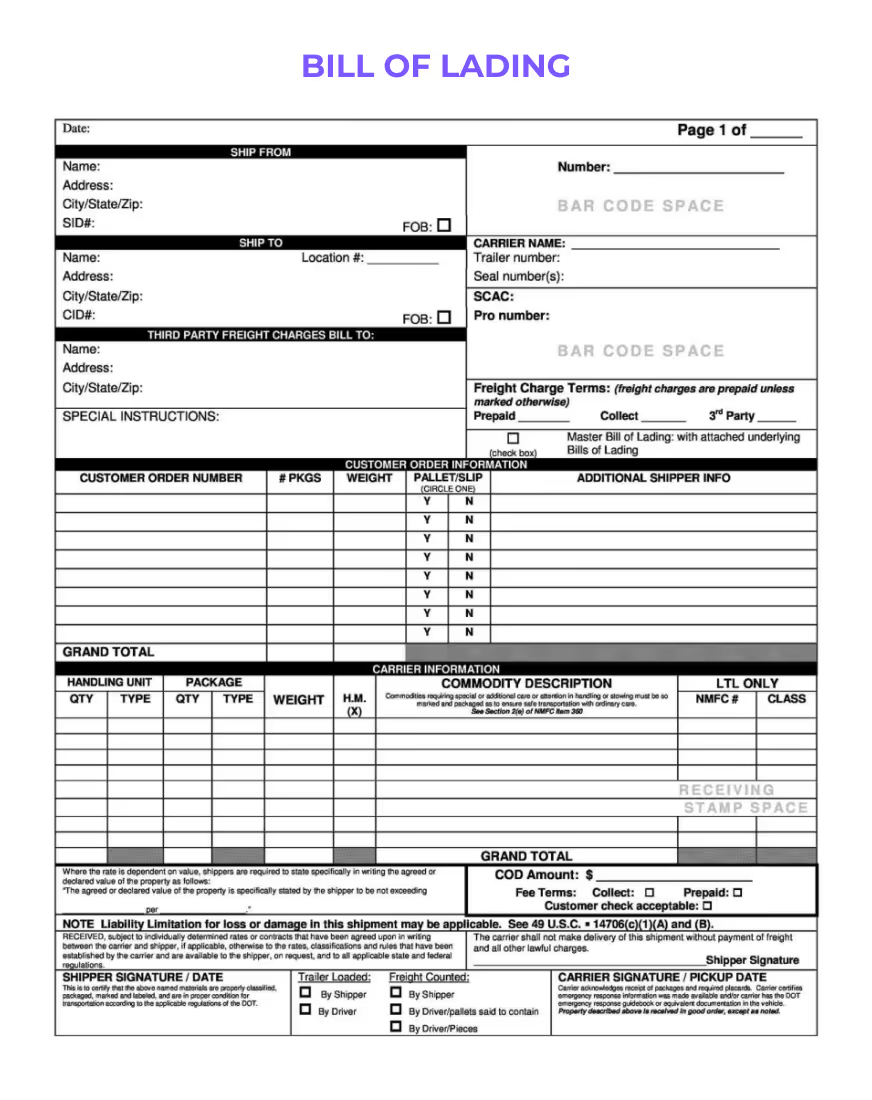
Bills of Lading (BOL)
Extract any field from bill of lading (BOL) documents automatically with AI-powered Intelligent Document Processing (IDP).
Learn more
How to evaluate intelligent document processing software
Start with representative documents from your own queue, including scans, varied layouts, and the files people currently correct by hand. Ask whether the software can handle those differences without a template for every layout, then compare the fields that still need manual review.
Look closely at the review workflow. Check how uncertain values reach a person, how corrections are recorded, and what happens before those results leave the platform. Confirm that validation can use the checks your downstream process needs, rather than judging extraction in isolation.
Review security documentation, access controls, and audit trails with the people responsible for your data. Ask which OCR and language models can be used for each task, and how model choice fits your document types. Finally, confirm the output formats and integrations your team needs to make the extracted data useful.
Use the intelligent document processing software buyer's guide to compare starting options, review requirements, and delivery needs, then test the same real files before you choose.
Additional IDP Resources

Blog
Next-Generation AI Document Automation Software Understands Any Document
How second-generation AI document automation improves on first-generation tools.
Read blog
E-Book
super.AI Guide to Intelligent Document Processing (IDP)
Free e-book on how IDP works and what to look for when evaluating a solution.
Download e-book
Event
IDP Reimagined: How UDP Solutions Are Addressing the Limitations of First-Generation IDP
Recording from our live session on UDP, IDP, and what's next.
Watch recording
Blog
Automating Logistics and Transportation Document Processing
How AI-powered IDP automates bill-of-lading, customs, and freight document workflows at scale.
Read blog
Blog
5 Key Considerations for Selecting Intelligent Document Processing (IDP) Solutions
Five must-have checks for evaluating modern IDP solutions for your enterprise.
Read blog
Event
Achieving Hyperautomation with Unstructured Data Processing (UDP)
How unstructured data processing (UDP) unlocks data at scale and puts hyperautomation within reach.
Watch recording
Compare document automation approaches
Explore how different approaches handle document processing, then plan your workflow with Flows.
Frequently Asked Questions
Intelligent Document Processing (IDP)
Automate information extraction from any business document, with built-in human-in-the-loop review by your own team.