Use case
Accounts payable automation starts with clean invoice data. super.AI Flows reads the vendor invoices you upload, extracts the fields you describe, and sends uncertain values to a person before export. Your AP system keeps approvals and payments.
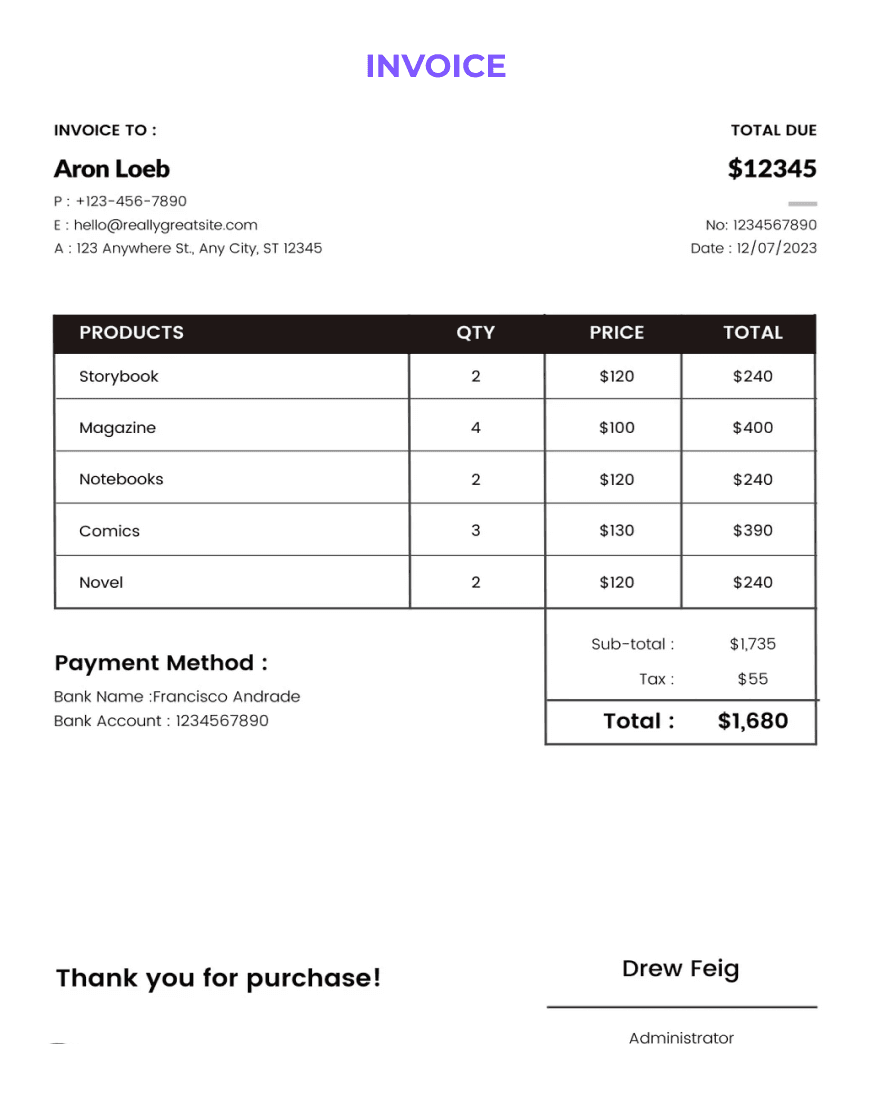
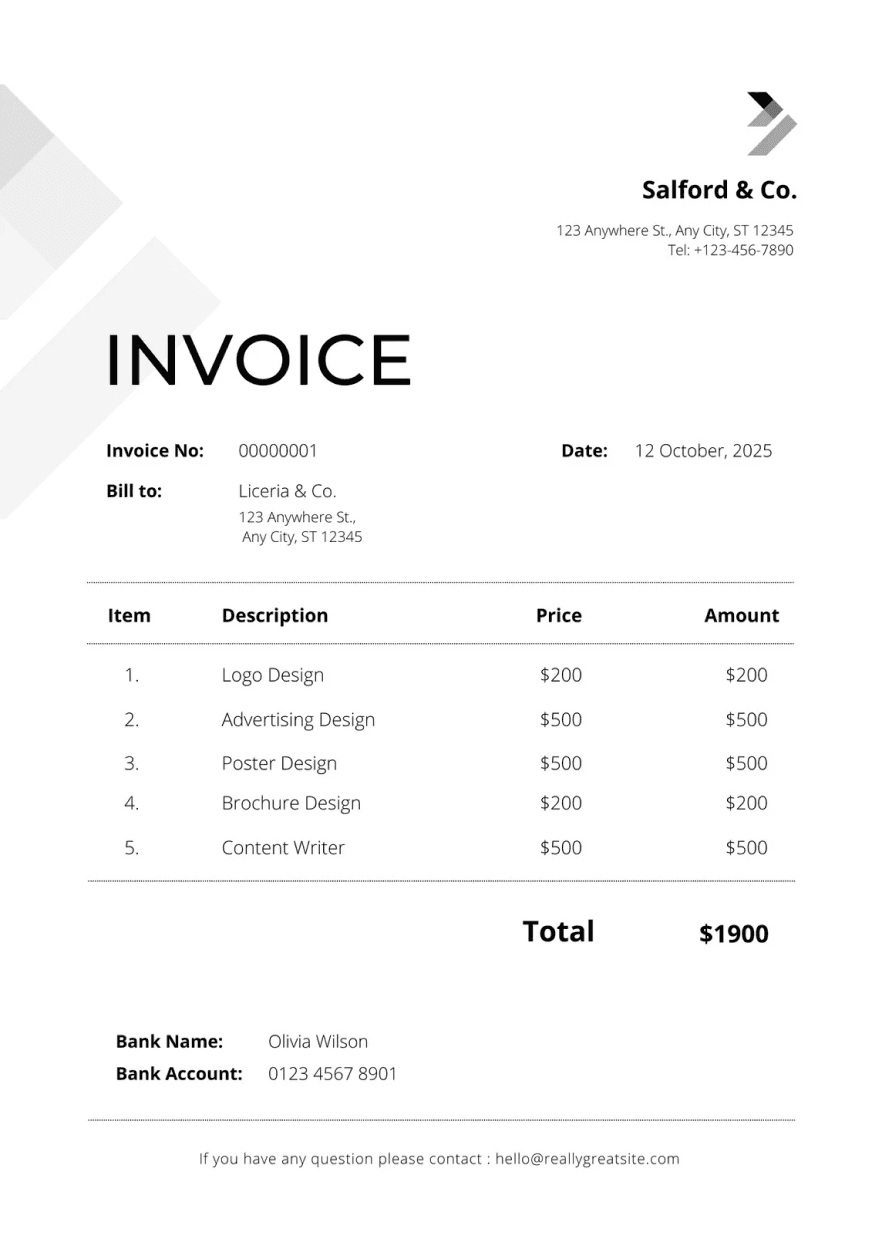
Upload vendor invoices as PDFs, images or email attachments. super.AI extracts the header fields and line items you describe and sends low-confidence values to review before export.
Fields AP teams often start with:
Benefits
super.AI finds values such as vendor, invoice number, dates, tax and totals by their meaning rather than their position on the page, so you do not need a separate template for each vendor layout.
Name the line-item columns your AP system needs, such as description, quantity, unit price and amount, and review the results before you export them.
Low-confidence values go to human review. Your team confirms or corrects them, and those corrections carry into the next run.
Export results to CSV, JSON or Google Sheets for import into your AP system or ERP, where approvals, matching and payments stay.
Accounts payable automation
Accounts payable automation (AP automation) uses software to cut the manual work in paying supplier invoices: capturing each invoice, extracting its data, checking it, approving it and paying it. For most AP teams, the heaviest manual work comes first, in getting invoice data off the page and into the AP system or ERP.
super.AI handles the document side of the accounts payable process. It turns the vendor invoices you upload into clean, structured data for import into your AP system or ERP. Approvals, purchase order matching, posting and payments stay in your AP system, under the rules you already use.
The problem
In many AP teams, invoice data still moves by hand. That creates three problems that grow with invoice volume:
AP invoice automation targets this first step. Clean, reviewed data at the start means fewer surprises later in the process.
How it works
Free to start, with no credit card and no sales call required. Start for free, or book a demo.
What you get
For more on the fields you can capture from invoices, see AI invoice processing.
Where it fits
A typical accounts payable process has five stages: receive the invoice, capture its data, match it against purchase orders and receipts, approve it, then post and pay it. super.AI covers the first two, plus a human check on uncertain values.
super.AI prepares clean invoice data. Your AP system keeps approvals and payments. If you are comparing accounts payable automation software, decide first whether you need a full AP suite or a better way to get invoice data into the system you already run. For background on this step, read our guide to invoice data capture.
FAQ
Accounts payable (AP) is the money a business owes its suppliers for goods or services it has received but not yet paid for. It appears as a current liability on the balance sheet. The term also refers to the team and process that receive supplier invoices, check them, get them approved and pay them on time. Accounts payable is part of the wider procure-to-pay cycle.
Accounts payable is money your business owes suppliers, recorded as a liability. Accounts receivable (AR) is money customers owe your business for goods or services you delivered, recorded as an asset. The same invoice is a payable for the buyer and a receivable for the seller. AP teams process incoming supplier invoices, while AR teams issue invoices to customers and collect payment.
Accounts payable automation is the use of software to reduce manual work in the AP process, from capturing supplier invoices and extracting their data to approvals, posting and payment. Different tools cover different stages. super.AI covers the document side: it extracts the invoice fields you describe, sends uncertain values to human review, and exports clean data for your AP system or ERP.
No. super.AI prepares the invoice data that goes into your AP software or ERP. It extracts the fields you need from vendor invoices and exports them to CSV, JSON or Google Sheets for import. Approvals, purchase order matching, posting and payments stay in your AP system or ERP, under the rules and controls you already have.
You can upload invoices as PDFs, images and email attachments. super.AI finds values by their meaning rather than their position on the page, so you do not need a separate template for each vendor layout. The best way to judge fit is to start with real invoices from your own queue, including the scans and unusual layouts your team sees most.
Low-confidence values go to human review instead of straight into your export. A person on your team confirms or corrects each flagged value, and those corrections carry into the next run. That way an unclear total or invoice date gets a human check before the data reaches your AP system.
For enterprise teams, super.AI offers SOC 2 Type II and contractual commitments. As with any vendor that will handle supplier invoices and payment details, ask for security documentation and contract terms during your evaluation, and review them against your finance team's requirements. You can start with the super.AI Trust Center.
super.AI is free to start, with no credit card and no sales call required. Upload one real vendor invoice, describe the fields you need in plain language, and review each step of the flow super.AI builds before you run it. Start for free, or book a demo if you would like to talk through your AP invoice process with the super.AI team.
Get started
Free to start, no credit card and no sales call required.