Use case
Document workflow automation moves the information in incoming documents into the steps and systems that use it, without manual data entry. With super.AI Flows, you upload a real document, describe the work in plain language, and super.AI builds the flow for you.
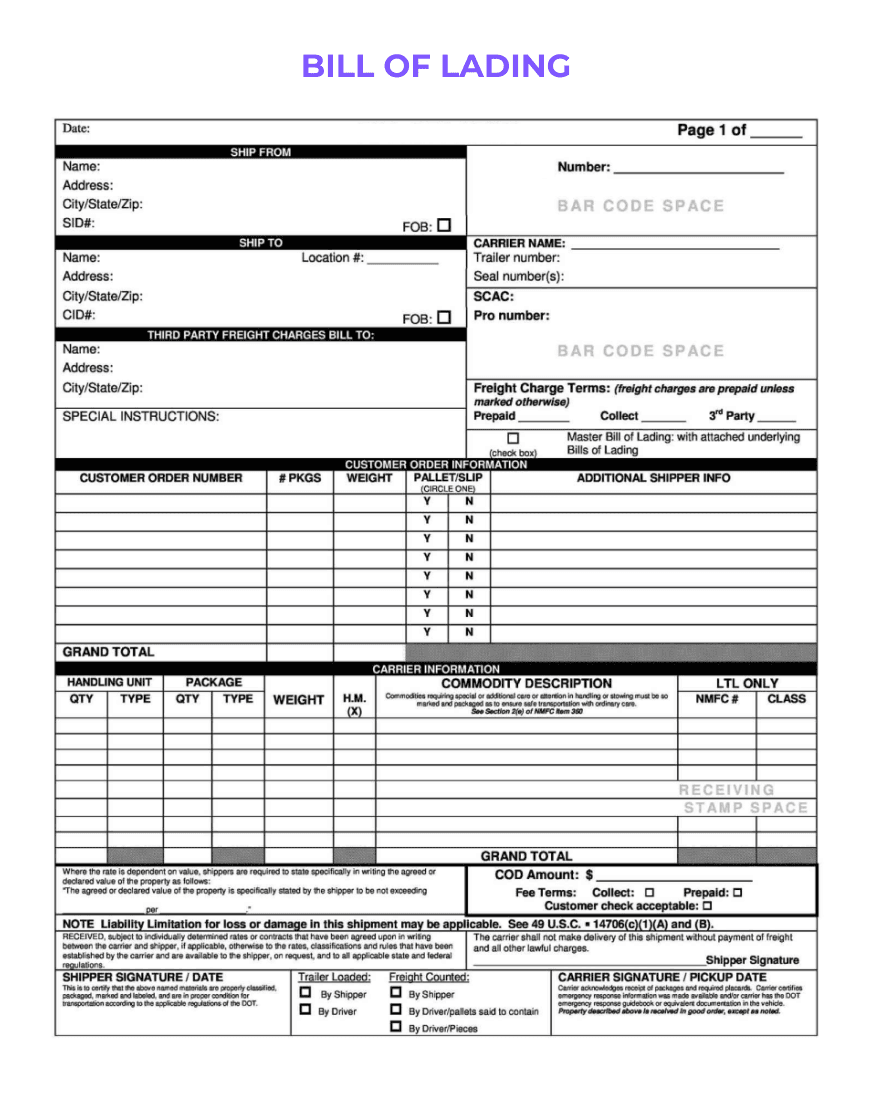
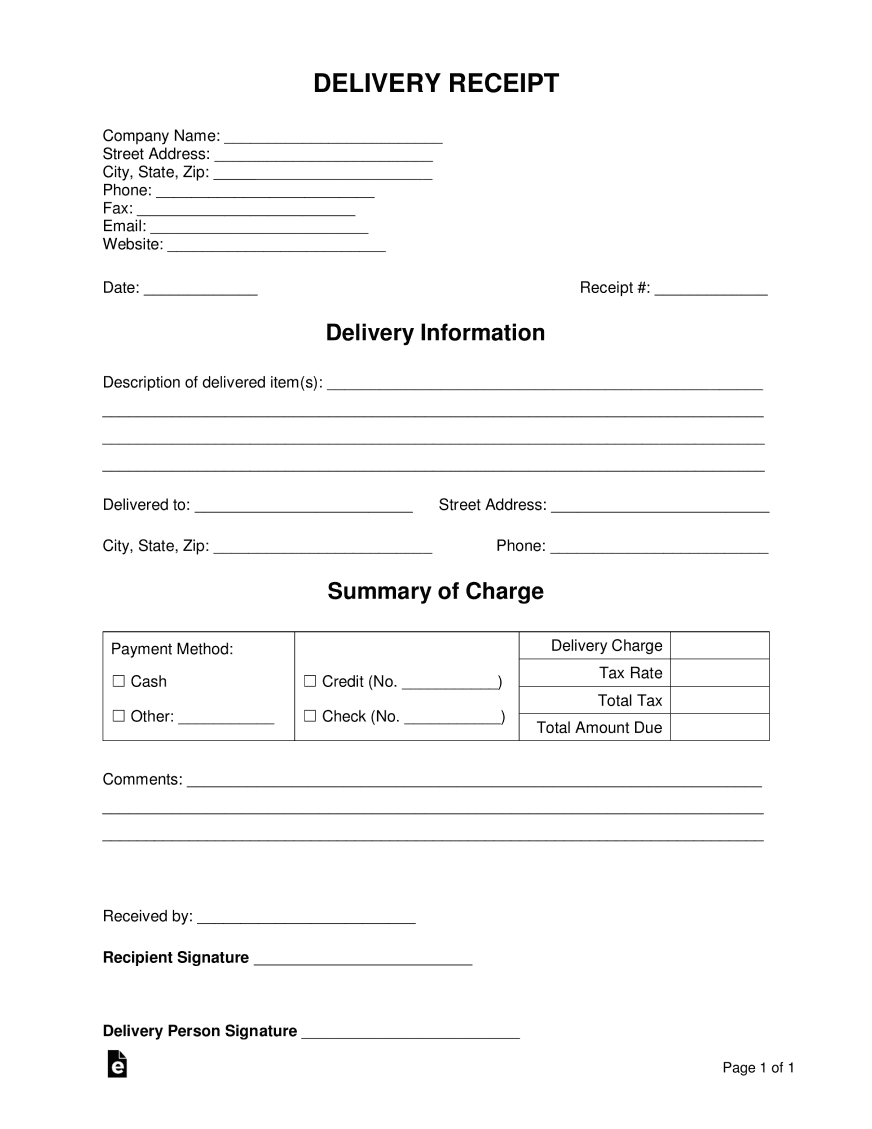
A flow reads PDFs, images and email attachments, pulls out the fields you name, and sends low-confidence results to a person before anything is exported.
Fields teams often start with:
Benefits
Explain the work in plain language, the way you would brief a new teammate. super.AI turns that description into a flow and shows you each step.
Upload an actual PDF, image or email attachment from your queue, so the flow is built around the documents you really receive.
Low-confidence results go to a review view. Your team confirms or corrects them, and those corrections carry into the next run.
Send results to CSV, JSON or Google Sheets and hand them to the next step in your process.
Document workflow automation
Document workflow automation is the practice of turning the documents your team receives, such as invoices, bills of lading, claim forms and purchase orders, into structured data and next steps without anyone retyping them. You may also see it called document processing automation. A document workflow usually has four parts: capture the document, extract the data, check it, and deliver it where it is needed.
Many operations teams already have the pieces: an inbox full of attachments, a spreadsheet, and a person who knows which fields matter. What they lack is time to connect them. super.AI is built for that situation. You describe the work in plain language and super.AI builds the flow. When the work is more complex, super.AI's experts help you build it.
Intelligent document processing (IDP) is the technology that reads and understands documents: classification, OCR and field extraction. Document workflow automation is the whole job around it, including where documents come from, who reviews exceptions and where the data goes next. super.AI Flows brings both together, so an operations team can run the full workflow without a development project. For more on the underlying technology, see intelligent document processing.
How it works
Free to start, no credit card and no sales call required. Start for free, or book a demo if you want super.AI's experts to help you build it.
Want to see what the self-serve path looks like first? Read about getting started on your own.
Use cases
Buyer checklist
A clean, digital PDF rarely shows the difference between document process automation software options. The differences show up on messy, real documents and in what happens when the software is unsure. Use these questions when you compare options:
Data entry automation
Automated data entry software and data entry automation tools focus on one step: getting values off a page and into a field. Document workflow automation also covers the steps around it: how documents arrive, which fields matter, who checks exceptions and where the output goes.
With super.AI Flows you can start with a single extraction step and describe more of the process as your team's needs become clear. The same plain-language approach applies at every step.
FAQ
Document workflow automation uses software to capture documents, extract the data in them, check that data and send it to the next step, without manual retyping. super.AI Flows builds this from a plain-language description of the work.
No. You describe what you need in plain language and super.AI builds the flow, showing each step so you can review it. For larger or more complex workflows, super.AI's experts can help you build it.
You can upload PDFs, images and email attachments. Teams often start with invoices, bills of lading, purchase orders and forms they process every week.
Low-confidence results go to a human review view, where your team confirms or corrects them. Those corrections carry into the next run.
Each flow exports results to CSV, JSON or Google Sheets.
super.AI is free to start, no credit card and no sales call required. Start for free, or book a demo and the super.AI team will help you build your first flow.
Get started
Free to start, no credit card and no sales call required.