By super.AI
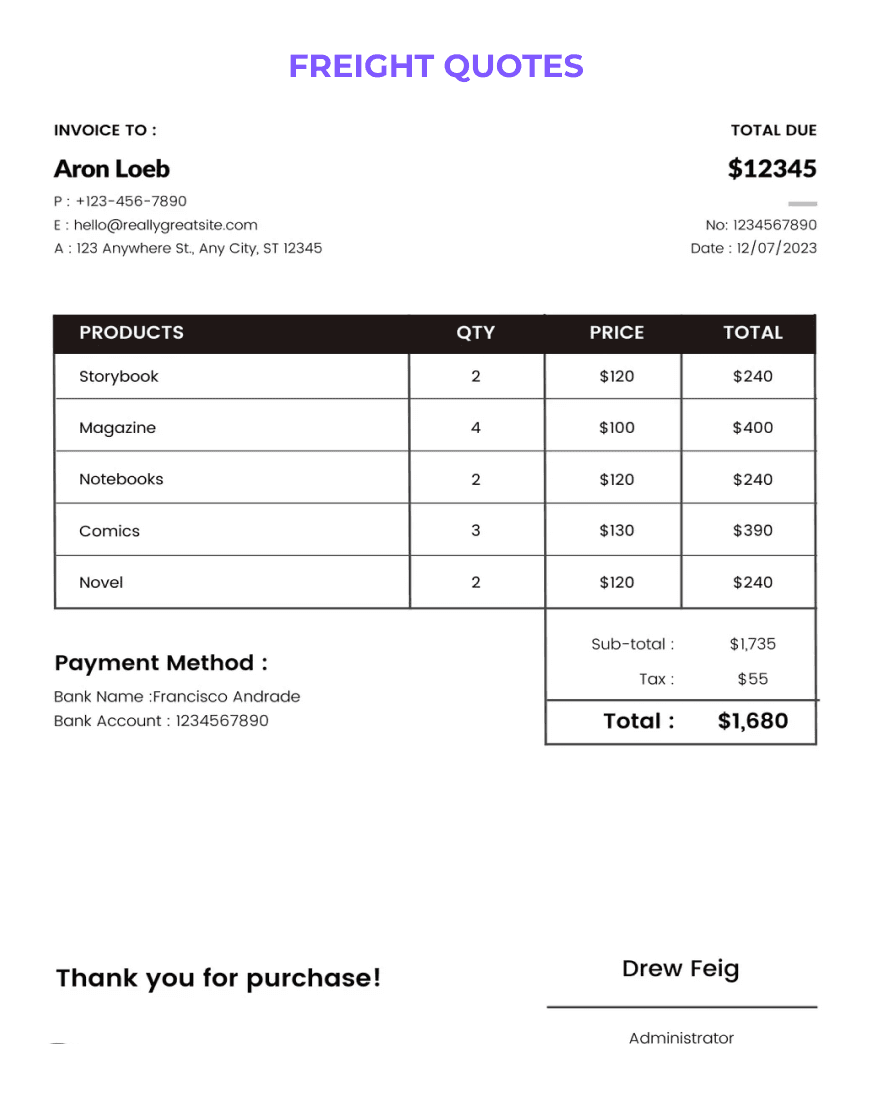
Three alternatives to super.AI worth comparing are Lido, Nanonets, and Docsumo, and each fits a different job: Lido for spreadsheet output with published page-based plans, Nanonets for AI agents across finance and operations processes, and Docsumo for multi-document files such as loan and claim packets. super.AI today is Flows: you upload a document, describe what you need in plain language, and super.AI builds the workflow, sends low-confidence results to review views your own team works in, and carries your corrections into the next run. It is free to start with no credit card, and this page also answers the claims other comparison pages make about super.AI, using each vendor's own website as checked on October 28, 2026.
super.AI publishes this page. Details about Lido, Nanonets, and Docsumo come from their own websites as of October 28, 2026 and may change, so check each vendor's site for current information. Lido, Nanonets, and Docsumo are trademarks of their owners.
Each row states what the vendor says on its own website. Sources are listed at the end of this page.
super.AI Flows automates the document work operations teams do by hand. You drop in a document and describe what you need extracted, and super.AI builds the flow and shows every decision it made, including the model used, the prompt, and the routing logic. You can edit any of it.
Several pages that rank for super.AI comparisons describe an older version of the product. Here is what super.AI's current pages say.
Not by default. On every plan, low-confidence results go to review views that your own reviewers work in. super.AI's self-service page says "Managed review is not part of any plan" and that the super.AI Data Processing Crowd "is available as a separately agreed service." [CONFIRM: no document on any plan reaches Data Processing Crowd workers or other external reviewers unless the customer has signed a separate Data Processing Crowd agreement.] [CONFIRM: is the Data Processing Crowd still offered? If not, replace the previous two sentences with: super.AI no longer offers a managed crowd.]
Earlier super.AI blog posts from 2020 and 2022, and the legacy documentation at docs.super.ai, describe a platform in which super.AI's crowd labeled data. [CONFIRM (Brad): when customer-run review became the default, and whether any customer still runs on the earlier platform.]
super.AI says an independent CPA firm audits it annually against the SOC 2 Security criteria, and its current SOC 2 Type II report covers the observation period ending January 2026. The report and the contractual security commitments apply to Enterprise customers. Self-service and Growth plans are not covered by the SOC 2 commitment; they are governed by the Self-Service Terms of Service, whose section 16 is the data processing agreement. [CONFIRM: the SOC 2 Type II report scope includes the Flows platform at flows.super.ai.]
super.AI also publishes a sub-processor list that, in its words, "names every sub-processor we engage," including the cloud hosts and AI model providers that process customer content and where each one processes it. Whichever vendor you choose, ask for its SOC 2 report and sub-processor list, and check which plan they cover, before you send production data.
Yes. The free plan includes CSV, JSON, and Google Sheets output, and flows can deliver results through REST APIs, webhooks, storage, and direct database write-back. The super.AI homepage shows a bill of lading turned into a structured table. [CONFIRM: is Excel (.xlsx) export available, and do line items export as one row per line item by default?]
super.AI's site does not list bank statements as a document type today. It says it handles PDFs, scanned images, photos, emails, and Office documents, including tables with merged cells, and "any custom document type you define." [CONFIRM: does super.AI process bank statements, including multi-page transaction tables, and is there a curated bank statement template?] If bank statements are your main workload, Lido and Docsumo both list them on their sites, so include them in your trial.
super.AI is free to start, with no credit card and no sales call required. Under its Self-Service Terms of Service, a new self-service account receives 1,000 credits once, different kinds of work cost different numbers of credits, and super.AI publishes the rate for each kind of work in the product before you run it. [CONFIRM: the one-time 1,000-credit trial allowance in section 5 of the Self-Service Terms is current and approved for marketing copy.] When the trial allowance is spent, everything you created stays readable and exportable. Credits you purchase expire 12 months after purchase. [CONFIRM: does re-running or correcting a document consume credits again?] For volume and enterprise plans, super.AI asks you to talk to its team.
super.AI does not publish a turnaround time. Low-confidence results are routed to review views your own team works in, so review time depends on your team's queue rather than on an outside workforce. [CONFIRM: a plain-language description of typical processing time for a document that needs no review, with no numeric promise.]
No. super.AI says you describe the workflow in plain language, and its agent picks the models, structures the output, and wires up triggers and integrations. Every decision stays inspectable and editable, and you refine the workflow by talking to it, without code or an IT project.
super.AI's current product is Flows, document workflows for operations teams. super.AI's product pages describe the Data Processing Crowd as a curated workforce for data labeling, post-processing, and exception handling, available as a separately agreed service, and its self-service page says managed review is not part of any plan. [CONFIRM: same answer as the crowd question above.]
Vendor pages only tell you so much. A short side-by-side trial on your own files will tell you more.
Lido, Nanonets, and Docsumo details were checked on their websites on October 28, 2026, and super.AI details come from super.ai pages checked the same day. Vendors update features and pricing often, so confirm current details with each vendor before you decide.
Upload a document, describe what you need, and see each step of the flow super.AI builds. Start for free or book a demo.

A buyer's guide to invoice scanning software: seven invoice OCR tools in alphabetical order, who each one fits, and how they compare on trials, pricing, and deployment.
Looking at Reducto alternatives? Here is how six document processing tools compare on how you start, published pricing, and who each one fits, using each vendor's own site.
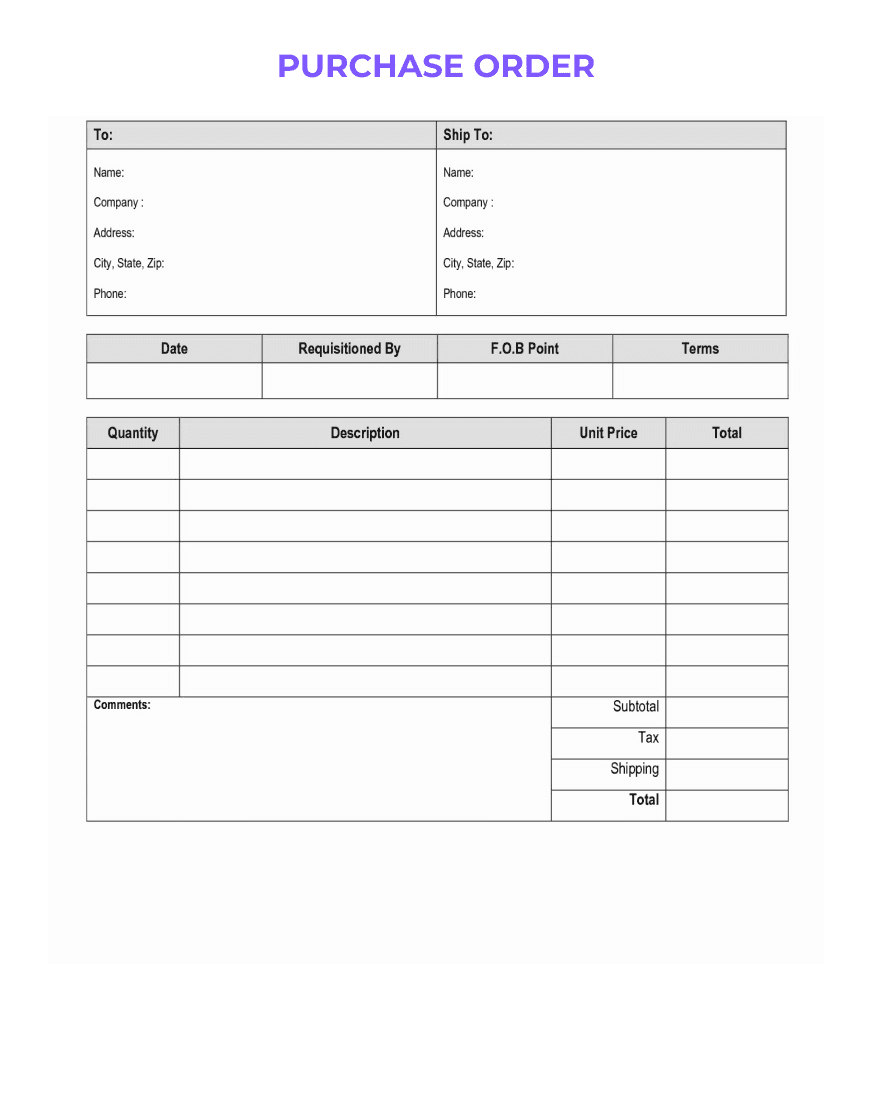
A buyer's guide to intelligent document processing software: six tools, who each one fits, and a sourced comparison of how to start, pricing, and deployment.